
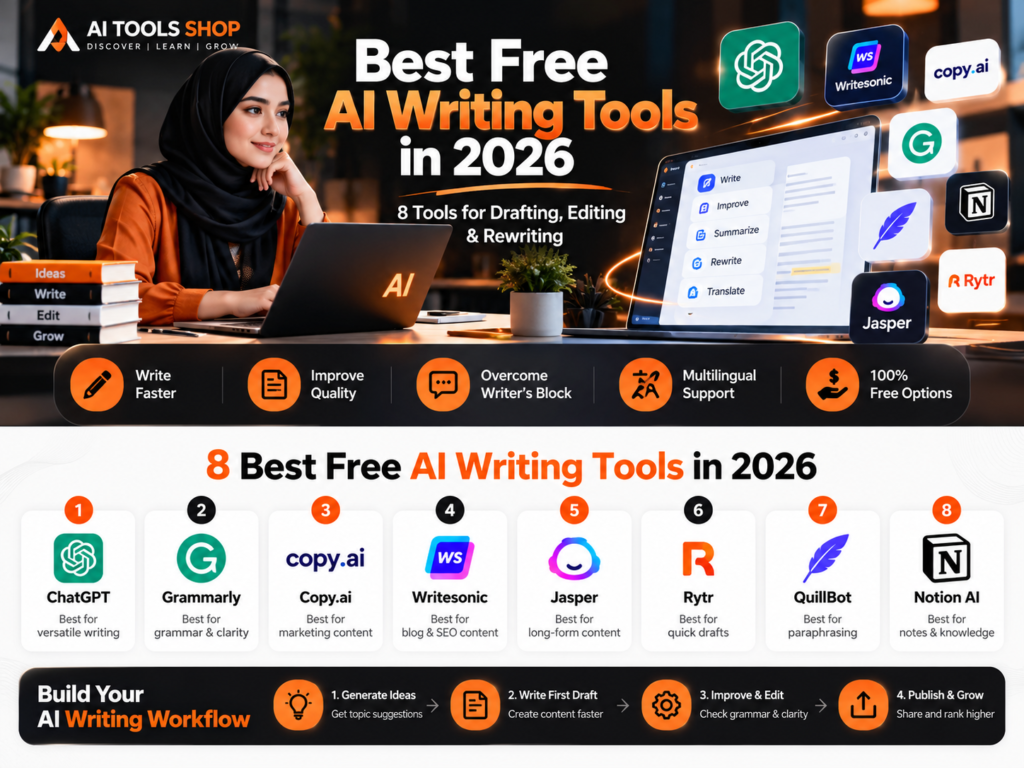
Want to write better without adding another subscription? The best free AI writing tools in 2026 can help you brainstorm ideas, draft first versions, improve grammar, rephrase awkward sentences, and make your writing easier to read. You do not need every tool on this list: choose one for drafting and one for editing, then build a workflow around the work you actually do.
This guide covers eight tools with free access or useful free features. Free plans can have message limits, word caps, or paid-only options, and availability can vary by country or account. Check each official product page for the latest terms before relying on a specific feature.
Quick answer: What are the best free AI writing tools?
For general drafting: ChatGPT, Claude, or Google Gemini. For grammar and clarity: Grammarly or LanguageTool. For paraphrasing short passages: QuillBot. For readability: Hemingway Editor. For writing help across Microsoft workflows: Microsoft Copilot.
| Tool | Best for | What to know about free access |
|---|---|---|
| ChatGPT | Ideas, outlines, first drafts | Free access is available; usage and advanced features are limited |
| Claude | Drafting and improving longer text | A free plan is available with usage limits |
| Google Gemini | Brainstorming, summaries, drafting | Free access is available; limits and features can vary |
| Grammarly | Grammar, spelling, and clarity | Free plan covers core writing assistance; some features are paid |
| QuillBot | Paraphrasing and summaries | Free tools have word and feature limits |
| LanguageTool | Grammar and language checks | Free checks are available; advanced features are paid |
| Hemingway Editor | Readability and simpler sentences | Free editing tools are available; some AI features are paid |
| Microsoft Copilot | Drafting and everyday writing help | Availability and features vary by account and product |
1. ChatGPT — Best for all-purpose writing
ChatGPT is a flexible starting point for people who need help turning a rough idea into an organised draft. You can ask it to brainstorm headlines, build an outline, simplify an explanation, rewrite a paragraph for a particular audience, or suggest edits to a piece you have already written.
Try this prompt: “Create an outline for a beginner-friendly blog post about [topic]. Include the reader’s main questions, practical examples, and a conclusion. Do not invent statistics or sources.”
Best for: Brainstorming, outlines, first drafts, explanations, and content planning. Watch out for: Generated facts and references can be wrong, so verify claims before publishing. Free access has usage limits and not every feature is included.
2. Claude — Best for drafting and editing long-form text
Claude can help organise complex notes, revise paragraphs, explore different tones, and give feedback on a draft. It is useful when you want a writing partner to work through a document in stages rather than produce a one-line answer.
Try this prompt: “Edit this draft for clarity and flow. Preserve my meaning and examples, point out unsupported claims, and list the most important changes you made.”
Best for: Outlines, long drafts, restructuring, and editorial feedback. Watch out for: Free usage is limited, and you should compare any suggested edits with your intended meaning before accepting them.
3. Google Gemini — Best for brainstorming and everyday writing
Google Gemini is a general-purpose AI assistant that can help you brainstorm, summarise material, create a content plan, and produce a first draft. It can be a practical option if you already use Google services, although specific integrations and features may depend on your account and plan.
Try this prompt: “Give me ten article ideas for beginners learning [subject]. For each idea, state the reader’s problem and the practical takeaway. Avoid repeating the same angle.”
Best for: Idea generation, summaries, and everyday drafts. Watch out for: Check factual statements against reliable sources and confirm which features are included in your account.
4. Grammarly — Best for grammar and clear communication
Grammarly helps identify spelling, grammar, punctuation, and clarity issues as you write. Its free plan is a useful editing layer for emails, schoolwork, articles, and professional messages; advanced suggestions and features may require a paid plan.
How to use it: Finish your draft first, then review the suggested corrections. Accept changes that improve the text and ignore suggestions that alter your meaning, tone, or terminology.
Best for: Proofreading and polishing a draft. Watch out for: A grammatically correct sentence can still be inaccurate, repetitive, or unsuitable for your audience. Proofreading is not fact-checking.
5. QuillBot — Best for paraphrasing short passages
QuillBot offers paraphrasing and summarising tools that can help you explore alternative wording or make a passage more concise. Its free tier has limits: QuillBot’s help centre, for example, says free accounts can paraphrase up to 125 words at a time, while premium accounts unlock expanded options.
Try it for: Rewriting a sentence that feels clumsy, comparing alternative phrasings, or shortening a passage you have written yourself. Review the result carefully to ensure the original meaning and necessary nuance remain intact.
Best for: Short rewrites and paraphrasing assistance. Watch out for: Do not use paraphrasing to disguise copied work. Cite original sources and keep quotations properly marked.
6. LanguageTool — Best for multilingual proofreading
LanguageTool checks spelling, grammar, punctuation, and selected style issues in supported languages. It can be particularly handy if you write in more than one language or need a second pass after drafting with an AI assistant.
How to use it: Paste in your article or use a supported browser or writing-app extension. Review each suggested correction, especially for names, regional expressions, and technical terms.
Best for: Grammar checks and multilingual writing support. Watch out for: Language coverage and the number of checks or advanced features available can depend on the plan.
7. Hemingway Editor — Best for readability
Hemingway Editor highlights hard-to-read sentences and other style issues so you can make writing clearer and more direct. It is a useful final check for blog posts intended for a general audience.
How to use it: Paste in a finished draft and look for sentences that are too long, unnecessarily complicated, or difficult to follow. Simplify where it improves understanding, but keep technical detail when readers need it.
Best for: Readability and concise writing. Watch out for: Not every long sentence is bad, and a readability score cannot judge factual accuracy, originality, or the depth of your argument. Some newer AI editing features are paid.
8. Microsoft Copilot — Best for everyday writing help
Microsoft Copilot can help draft messages, brainstorm ideas, summarise material, and refine wording. The features available to you depend on the Copilot product, your account, and whether you use it on its own or within Microsoft 365 applications.
Try this prompt: “Turn these notes into a clear, polite email. Keep it under 150 words, preserve the key details, and do not add promises I have not made.”
Best for: Messages, summaries, and everyday writing tasks. Watch out for: Confirm which features are available on your account and review the final text before sending or sharing it.
How to choose the right free AI writing tool
Start with the type of writing you do most often rather than signing up for every platform.
- Writing a blog post from scratch: Start with ChatGPT, Claude, or Gemini for brainstorming and outlining.
- Fixing grammar and spelling: Use Grammarly or LanguageTool after your draft is complete.
- Rewording a short passage: Try QuillBot, then compare the result with the original.
- Making an article easier to read: Use Hemingway Editor as a style check.
- Writing everyday emails and summaries: Try Copilot or another general AI assistant.
A simple free AI writing workflow
You can create a useful writing workflow without paying for several subscriptions. Try this sequence:
- Step 1 — Plan: Ask an AI assistant for an outline based on your audience and goal.
- Step 2 — Research: Check key claims against reliable, preferably primary, sources. Do not treat generated citations as verified until you open them.
- Step 3 — Draft: Use the outline to write a first version, adding your own examples, experience, and perspective.
- Step 4 — Edit: Use Grammarly or LanguageTool to check language, then use Hemingway to identify confusing sentences if needed.
- Step 5 — Verify: Recheck names, dates, statistics, product features, quotes, links, and permissions for any images you use.
- Step 6 — Finalise: Read the article aloud, remove repetition, and make sure the piece genuinely answers the reader’s question.
Are free AI writing tools really free?
Many services offer free plans or free features, but “free” does not always mean unlimited. A tool may cap the number of messages, the amount of text you can paraphrase, or access to advanced writing modes. Some products also offer a free editor alongside paid AI features.
Before choosing a tool, review its official pricing page, usage limits, privacy terms, and how it handles submitted text. Avoid uploading confidential client information, private documents, passwords, or sensitive personal data unless you understand and approve the service’s terms.
Can you publish AI-written content on a blog?
AI can assist with planning, drafting, and editing, but publishing an unreviewed output is risky. Generated text may contain invented facts, generic advice, outdated details, or unsupported claims. Use AI to improve your process, then add original value through experience, examples, demonstrations, and careful fact-checking.
For blog publishers, a good standard is simple: every article should help the reader, be accurate enough for its purpose, cite important sources, and be reviewed by a person before publication. Do not claim hands-on testing unless you actually tested the tool.
Frequently asked questions
What is the best free AI writing tool in 2026?
There is no single best option for everyone. ChatGPT, Claude, and Gemini can help with drafting; Grammarly and LanguageTool focus on proofreading; QuillBot helps with short paraphrases; and Hemingway focuses on readability. Choose based on the task and the free limits you can work with.
Which free AI writing tool is best for blog posts?
A general AI assistant such as ChatGPT, Claude, or Gemini can help create an outline and first draft. Add human research, unique examples, source checks, and an editing pass before publishing.
Which free tool is best for grammar checking?
Grammarly and LanguageTool are good starting points for grammar and spelling checks. The right choice depends on the languages you write in, the corrections you need, and the limits of each free plan.
Can I use AI writing tools for commercial content?
That depends on the tool’s current terms, your plan, and the content you create. Read the relevant terms and privacy policy, check that you have rights to all sources and assets, and verify that the finished work meets your business and editorial standards.
Final thoughts
The best free AI writing tools are the ones that solve a real problem in your writing process. Begin with one drafting assistant and one proofreader. Add paraphrasing or readability tools only when they offer a clear benefit.
Use these tools to work more efficiently—not to replace your judgement. Verify facts, protect private information, and make every published article useful, accurate, and genuinely yours.
Official websites and further reading
- ChatGPT plans
- Claude
- Google Gemini
- Grammarly plans
- QuillBot and its free vs. Premium comparison
- LanguageTool
- Hemingway Editor
- Microsoft Copilot
Related Resources Best AI Tools for Beginners
Last reviewed: October 2026. Free-plan limits, product capabilities, and regional availability can change. This is an editorial overview, not a claim that every tool was independently tested.